
2.3 KiB
2.3 KiB
title: "Rating indicators | Apple Developer Documentation"
source: https://developer.apple.com/design/human-interface-guidelines/rating-indicators
# Rating indicators
A rating indicator uses a series of horizontally arranged graphical symbols — by default, stars — to communicate a ranking level.
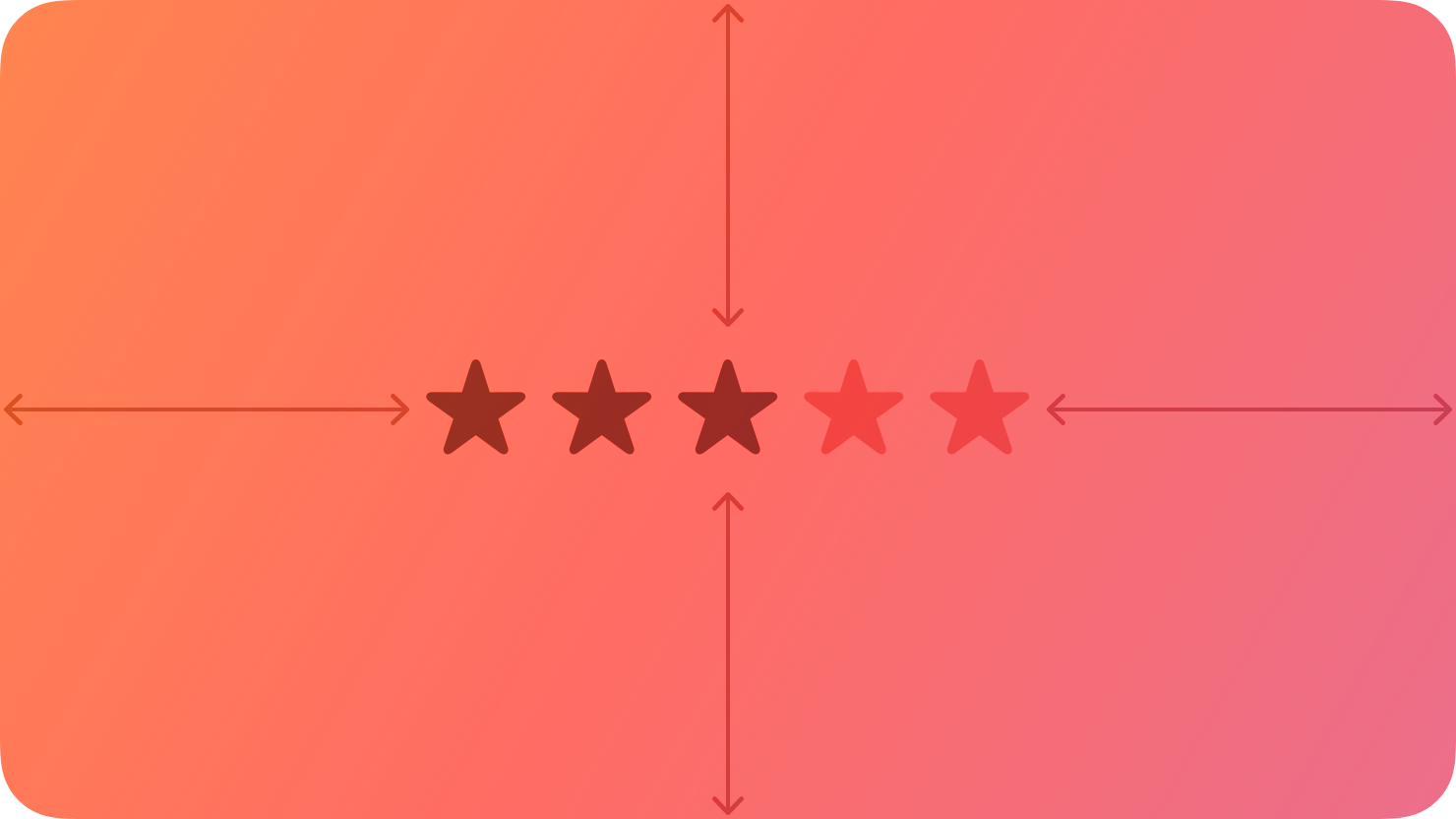 A rating indicator doesn’t display partial symbols; it rounds the value to display complete symbols only. Within a rating indicator, symbols are always the same distance apart and don’t expand or shrink to fit the component’s width.
## Best practices
Make it easy to change rankings. When presenting a list of ranked items, let people adjust the rank of individual items inline without navigating to a separate editing screen.
If you replace the star with a custom symbol, make sure that its purpose is clear. The star is a very recognizable ranking symbol, and people may not associate other symbols with a rating scale.
## Platform considerations
No additional considerations for macOS. Not supported in iOS, iPadOS, tvOS, visionOS, or watchOS.
## Resources
#### Related
Ratings and reviews
#### Developer documentation
A rating indicator doesn’t display partial symbols; it rounds the value to display complete symbols only. Within a rating indicator, symbols are always the same distance apart and don’t expand or shrink to fit the component’s width.
## Best practices
Make it easy to change rankings. When presenting a list of ranked items, let people adjust the rank of individual items inline without navigating to a separate editing screen.
If you replace the star with a custom symbol, make sure that its purpose is clear. The star is a very recognizable ranking symbol, and people may not associate other symbols with a rating scale.
## Platform considerations
No additional considerations for macOS. Not supported in iOS, iPadOS, tvOS, visionOS, or watchOS.
## Resources
#### Related
Ratings and reviews
#### Developer documentation
---|---
September 23, 2022| New page.
A rating indicator doesn’t display partial symbols; it rounds the value to display complete symbols only. Within a rating indicator, symbols are always the same distance apart and don’t expand or shrink to fit the component’s width.
## Best practices
Make it easy to change rankings. When presenting a list of ranked items, let people adjust the rank of individual items inline without navigating to a separate editing screen.
If you replace the star with a custom symbol, make sure that its purpose is clear. The star is a very recognizable ranking symbol, and people may not associate other symbols with a rating scale.
## Platform considerations
No additional considerations for macOS. Not supported in iOS, iPadOS, tvOS, visionOS, or watchOS.
## Resources
#### Related
Ratings and reviews
#### Developer documentation
NSLevelIndicator.Style.rating — AppKit
## Change log
Date| Changes---|---
September 23, 2022| New page.