
2.6 KiB
2.6 KiB
title: "Steppers | Apple Developer Documentation"
source: https://developer.apple.com/design/human-interface-guidelines/steppers
# Steppers
A stepper is a two-segment control that people use to increase or decrease an incremental value.
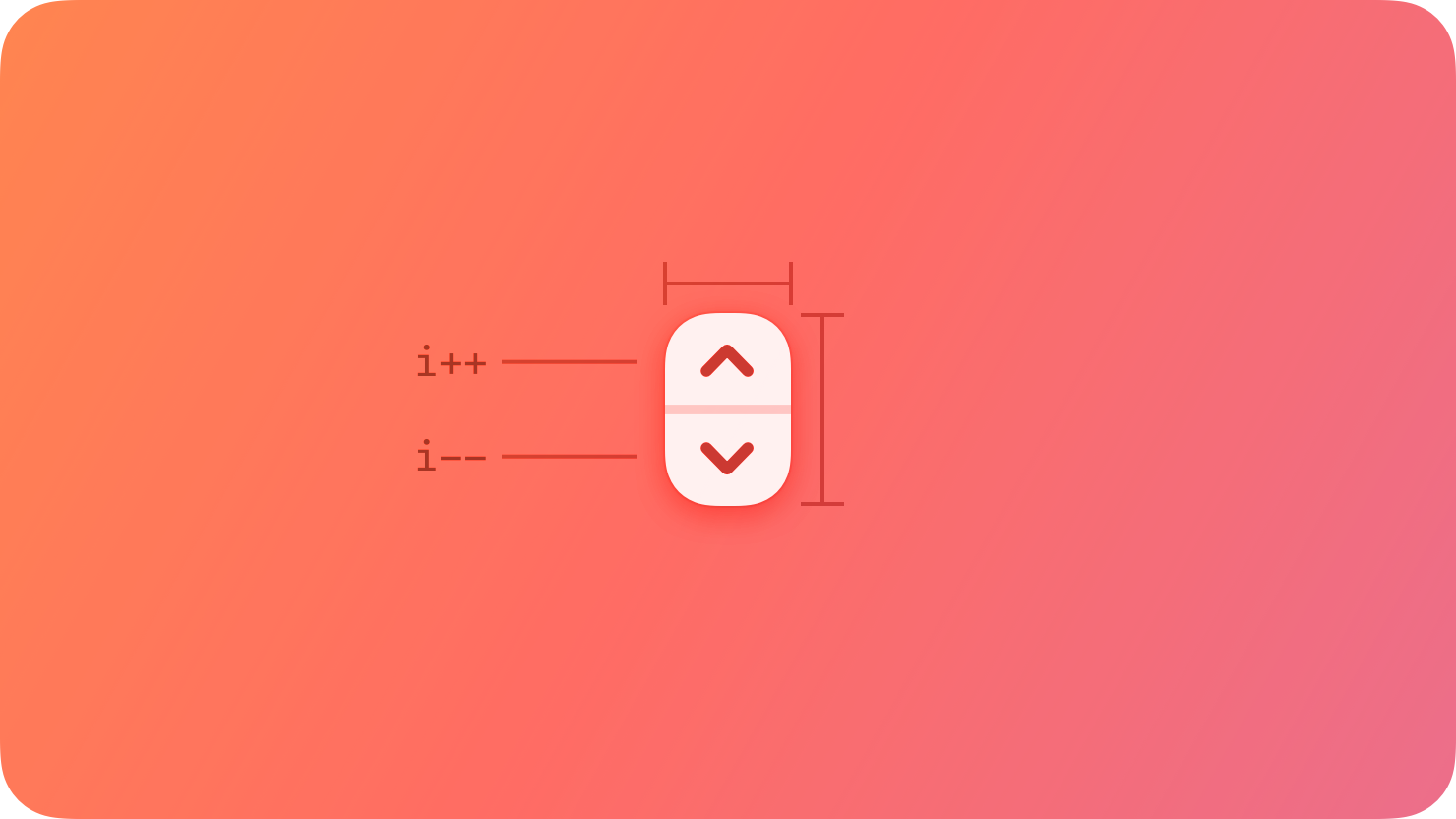 A stepper sits next to a field that displays its current value, because the stepper itself doesn’t display a value.
## Best practices
Make the value that a stepper affects obvious. A stepper itself doesn’t display any values, so make sure people know which value they’re changing when they use a stepper.
Consider pairing a stepper with a text field when large value changes are likely. Steppers work well by themselves for making small changes that require a few taps or clicks. By contrast, people appreciate the option to use a field to enter specific values, especially when the values they use can vary widely. On a printing screen, for example, it can help to have both a stepper and a text field to set the number of copies.
## Platform considerations
No additional considerations for iOS, iPadOS, or visionOS. Not supported in watchOS or tvOS.
### macOS
For large value ranges, consider supporting Shift-click to change the value quickly. If your app benefits from larger changes in a stepper’s value, it can be useful to let people Shift-click the stepper to change the value by more than the default increment (by 10 times the default, for example).
## Resources
#### Related
Pickers
Text fields
#### Developer documentation
A stepper sits next to a field that displays its current value, because the stepper itself doesn’t display a value.
## Best practices
Make the value that a stepper affects obvious. A stepper itself doesn’t display any values, so make sure people know which value they’re changing when they use a stepper.
Consider pairing a stepper with a text field when large value changes are likely. Steppers work well by themselves for making small changes that require a few taps or clicks. By contrast, people appreciate the option to use a field to enter specific values, especially when the values they use can vary widely. On a printing screen, for example, it can help to have both a stepper and a text field to set the number of copies.
## Platform considerations
No additional considerations for iOS, iPadOS, or visionOS. Not supported in watchOS or tvOS.
### macOS
For large value ranges, consider supporting Shift-click to change the value quickly. If your app benefits from larger changes in a stepper’s value, it can be useful to let people Shift-click the stepper to change the value by more than the default increment (by 10 times the default, for example).
## Resources
#### Related
Pickers
Text fields
#### Developer documentation
A stepper sits next to a field that displays its current value, because the stepper itself doesn’t display a value.
## Best practices
Make the value that a stepper affects obvious. A stepper itself doesn’t display any values, so make sure people know which value they’re changing when they use a stepper.
Consider pairing a stepper with a text field when large value changes are likely. Steppers work well by themselves for making small changes that require a few taps or clicks. By contrast, people appreciate the option to use a field to enter specific values, especially when the values they use can vary widely. On a printing screen, for example, it can help to have both a stepper and a text field to set the number of copies.
## Platform considerations
No additional considerations for iOS, iPadOS, or visionOS. Not supported in watchOS or tvOS.
### macOS
For large value ranges, consider supporting Shift-click to change the value quickly. If your app benefits from larger changes in a stepper’s value, it can be useful to let people Shift-click the stepper to change the value by more than the default increment (by 10 times the default, for example).
## Resources
#### Related
Pickers
Text fields
#### Developer documentation
UIStepper — UIKit
NSStepper — AppKit