
8.9 KiB
8.9 KiB
title: "Going full screen | Apple Developer Documentation"
source: https://developer.apple.com/design/human-interface-guidelines/going-full-screen
# Going full screen
iPhone, iPad, and Mac offer full-screen modes that let people expand a window to fill the screen, hiding system controls and providing a distraction-free environment.
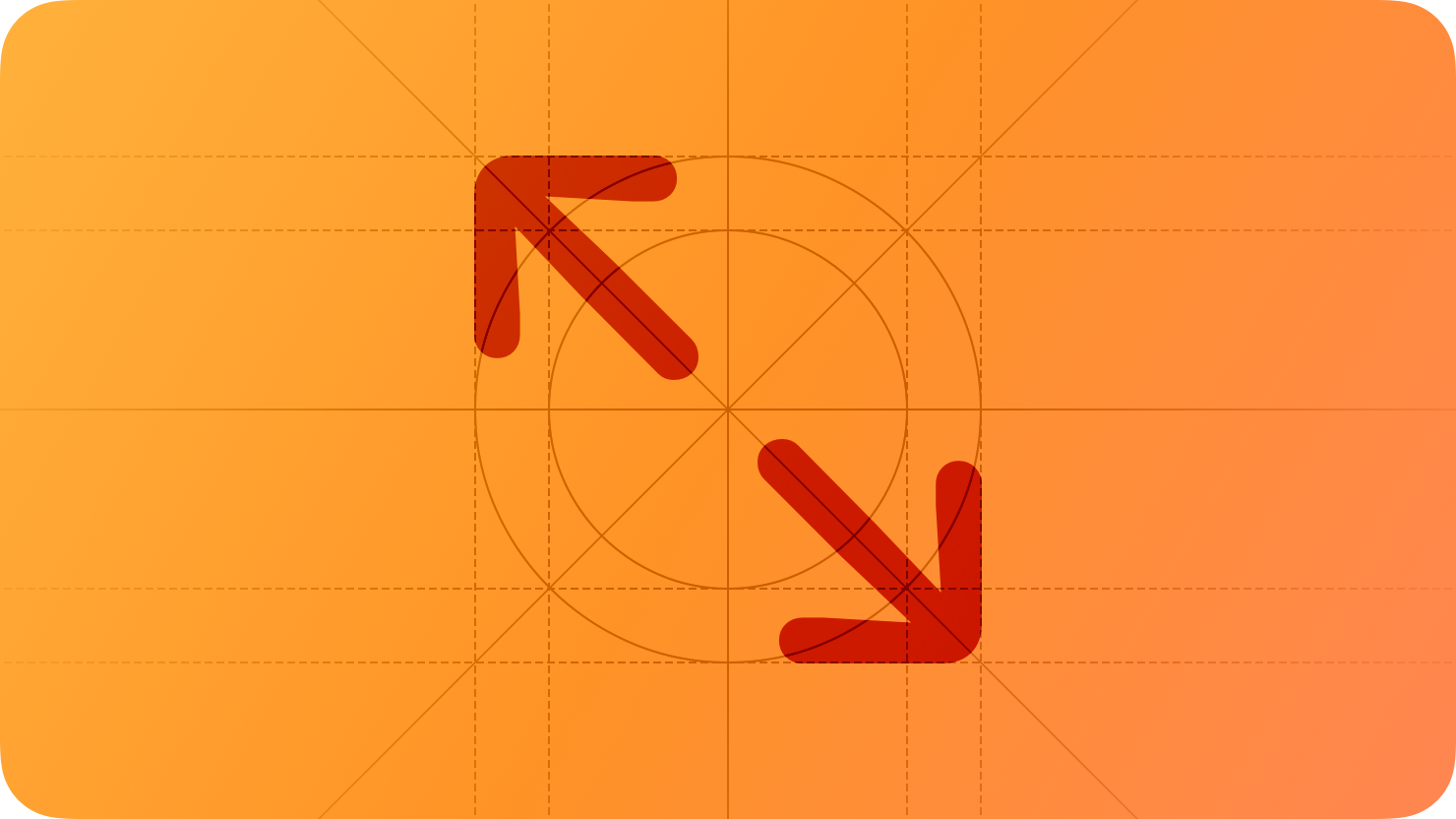 Apple TV and Apple Watch don’t offer full-screen modes because apps and games already fill the screen by default. Apple Vision Pro doesn’t offer a full-screen mode because people can expand a window to fill more of their view or use the Digital Crown to hide passthrough and transition to a more immersive experience (for guidance, see Immersive experiences).
## Best practices
Support full-screen mode when it makes sense for your experience. People appreciate full-screen mode when they want to concentrate on a task or be immersed in content. Consider offering a full-screen mode if your experience lets people play a game; view media like videos or photo slideshows; or perform an in-depth task that benefits from a distraction-free environment.
If necessary, adjust your layout in full-screen mode, but don’t programmatically resize your window. When a window is larger in full-screen mode than in non-full-screen mode, you want to keep essential content prominent while making good use of the extra space. For example, it might make sense to adjust the proportions of your interface without changing which items appear. If you make such adjustments, be sure they’re subtle enough to maintain a consistent interface and avoid causing visually jarring transitions between modes.
Continue to provide access to essential features and controls so people can complete their task without exiting full-screen mode. For example, a full-screen media experience needs to make playback controls persistently available or easy to reveal when people need them.
Except in games, let people reveal the Dock while your iPadOS or macOS app is in full-screen mode. In iPadOS and macOS, it’s important to preserve access to the Dock so people can quickly open other apps and Dock items. To help prevent people from accidentally revealing the Dock while they’re playing your full-screen game, you can ask iPadOS to ignore an initial swipe up from the screen’s bottom edge or hide the Dock entirely in macOS. For developer guidance, see
Apple TV and Apple Watch don’t offer full-screen modes because apps and games already fill the screen by default. Apple Vision Pro doesn’t offer a full-screen mode because people can expand a window to fill more of their view or use the Digital Crown to hide passthrough and transition to a more immersive experience (for guidance, see Immersive experiences).
## Best practices
Support full-screen mode when it makes sense for your experience. People appreciate full-screen mode when they want to concentrate on a task or be immersed in content. Consider offering a full-screen mode if your experience lets people play a game; view media like videos or photo slideshows; or perform an in-depth task that benefits from a distraction-free environment.
If necessary, adjust your layout in full-screen mode, but don’t programmatically resize your window. When a window is larger in full-screen mode than in non-full-screen mode, you want to keep essential content prominent while making good use of the extra space. For example, it might make sense to adjust the proportions of your interface without changing which items appear. If you make such adjustments, be sure they’re subtle enough to maintain a consistent interface and avoid causing visually jarring transitions between modes.
Continue to provide access to essential features and controls so people can complete their task without exiting full-screen mode. For example, a full-screen media experience needs to make playback controls persistently available or easy to reveal when people need them.
Except in games, let people reveal the Dock while your iPadOS or macOS app is in full-screen mode. In iPadOS and macOS, it’s important to preserve access to the Dock so people can quickly open other apps and Dock items. To help prevent people from accidentally revealing the Dock while they’re playing your full-screen game, you can ask iPadOS to ignore an initial swipe up from the screen’s bottom edge or hide the Dock entirely in macOS. For developer guidance, see  Elevate the design of your iPad app
## Change log
Date| Changes
Elevate the design of your iPad app
## Change log
Date| Changes
---|---
June 9, 2025| Updated guidance for hiding toolbars and navigation controls, and deferring Home Screen indicator gestures in full-screen iOS and iPadOS apps and games.
June 10, 2024| Enhanced guidance for playing a game in full-screen mode.
Apple TV and Apple Watch don’t offer full-screen modes because apps and games already fill the screen by default. Apple Vision Pro doesn’t offer a full-screen mode because people can expand a window to fill more of their view or use the Digital Crown to hide passthrough and transition to a more immersive experience (for guidance, see Immersive experiences).
## Best practices
Support full-screen mode when it makes sense for your experience. People appreciate full-screen mode when they want to concentrate on a task or be immersed in content. Consider offering a full-screen mode if your experience lets people play a game; view media like videos or photo slideshows; or perform an in-depth task that benefits from a distraction-free environment.
If necessary, adjust your layout in full-screen mode, but don’t programmatically resize your window. When a window is larger in full-screen mode than in non-full-screen mode, you want to keep essential content prominent while making good use of the extra space. For example, it might make sense to adjust the proportions of your interface without changing which items appear. If you make such adjustments, be sure they’re subtle enough to maintain a consistent interface and avoid causing visually jarring transitions between modes.
Continue to provide access to essential features and controls so people can complete their task without exiting full-screen mode. For example, a full-screen media experience needs to make playback controls persistently available or easy to reveal when people need them.
Except in games, let people reveal the Dock while your iPadOS or macOS app is in full-screen mode. In iPadOS and macOS, it’s important to preserve access to the Dock so people can quickly open other apps and Dock items. To help prevent people from accidentally revealing the Dock while they’re playing your full-screen game, you can ask iPadOS to ignore an initial swipe up from the screen’s bottom edge or hide the Dock entirely in macOS. For developer guidance, see preferredScreenEdgesDeferringSystemGestures (SwiftUI), preferredScreenEdgesDeferringSystemGestures (UIKit) and hideDock (AppKit).
After people switch away from your full-screen experience, help them resume where they left off when they return. For example, a game or a slideshow needs to pause automatically when people leave the experience so they don’t miss anything.
Let people choose when to exit full-screen mode. People generally don’t expect full-screen mode to end automatically when they switch to a different experience or finish an absorbing activity, like playing a game or viewing a movie.
Prioritize content by temporarily hiding toolbars and navigation controls. You can offer a distraction-free environment by hiding elements when content is the primary focus, such as when viewing full-screen photos or reading a document. If you implement such behavior, let people restore the hidden elements with a familiar gesture or action like tapping, swiping down, or moving the cursor to the top of the screen. Be sure to keep controls visible when they’re essential for navigation or performing tasks. Although a visionOS window can hide its toolbars or navigation controls, people generally expect different types of immersive experiences while wearing Apple Vision Pro; for guidance, see Immersive experiences.
## Platform considerations
Not supported in tvOS, visionOS, or watchOS.
### iOS, iPadOS
Consider deferring system gestures to prevent accidental exits in a full-screen app or game. By default, the Home Screen indicator automatically hides shortly after someone switches to your app or game. It reappears when someone interacts with the bottom portion of the screen, allowing them to swipe once to exit. Whenever possible, retain this behavior because it’s familiar and what people expect. If supporting this results in unexpected exits, you can enable two swipes rather than one to exit. For developer guidance, see preferredScreenEdgesDeferringSystemGestures.
### macOS
Use the system-provided full-screen experience. Using the system’s full-screen support ensures that your full-screen window works well in all contexts. For example, some Mac models include a camera housing that occupies an area at the top-center of the screen. Using the system’s full-screen support automatically accommodates this area. For developer guidance, see toggleFullScreen(_:).
In a game, don’t change the display mode when players go full screen. People expect to be in control of their display mode, and changing it automatically doesn’t improve performance.
For additional developer guidance, see Managing your game window for Metal in macOS.
Always let people choose when to enter full-screen mode. Prefer letting people use your window’s Enter Full Screen button, View menu item, or the Control-Command-F keyboard shortcut. Avoid offering a custom menu of window modes. In a game, you might also provide a custom toggle that turns full-screen mode on and off.
## Resources
#### Related
Layout
Multitasking
Windows
The menu bar
#### Developer documentation
fullScreenCover(item:onDismiss:content:) — SwiftUI
NSScreen — AppKit
NSWindow.CollectionBehavior — AppKit
Managing your game window for Metal in macOS — Swift, Objective-C
#### Videos
Elevate the design of your iPad app
## Change log
Date| Changes---|---
June 9, 2025| Updated guidance for hiding toolbars and navigation controls, and deferring Home Screen indicator gestures in full-screen iOS and iPadOS apps and games.
June 10, 2024| Enhanced guidance for playing a game in full-screen mode.