
57 lines
4.2 KiB
Markdown
57 lines
4.2 KiB
Markdown
---
|
||
title: "Text views | Apple Developer Documentation"
|
||
source: https://developer.apple.com/design/human-interface-guidelines/text-views
|
||
|
||
# Text views
|
||
|
||
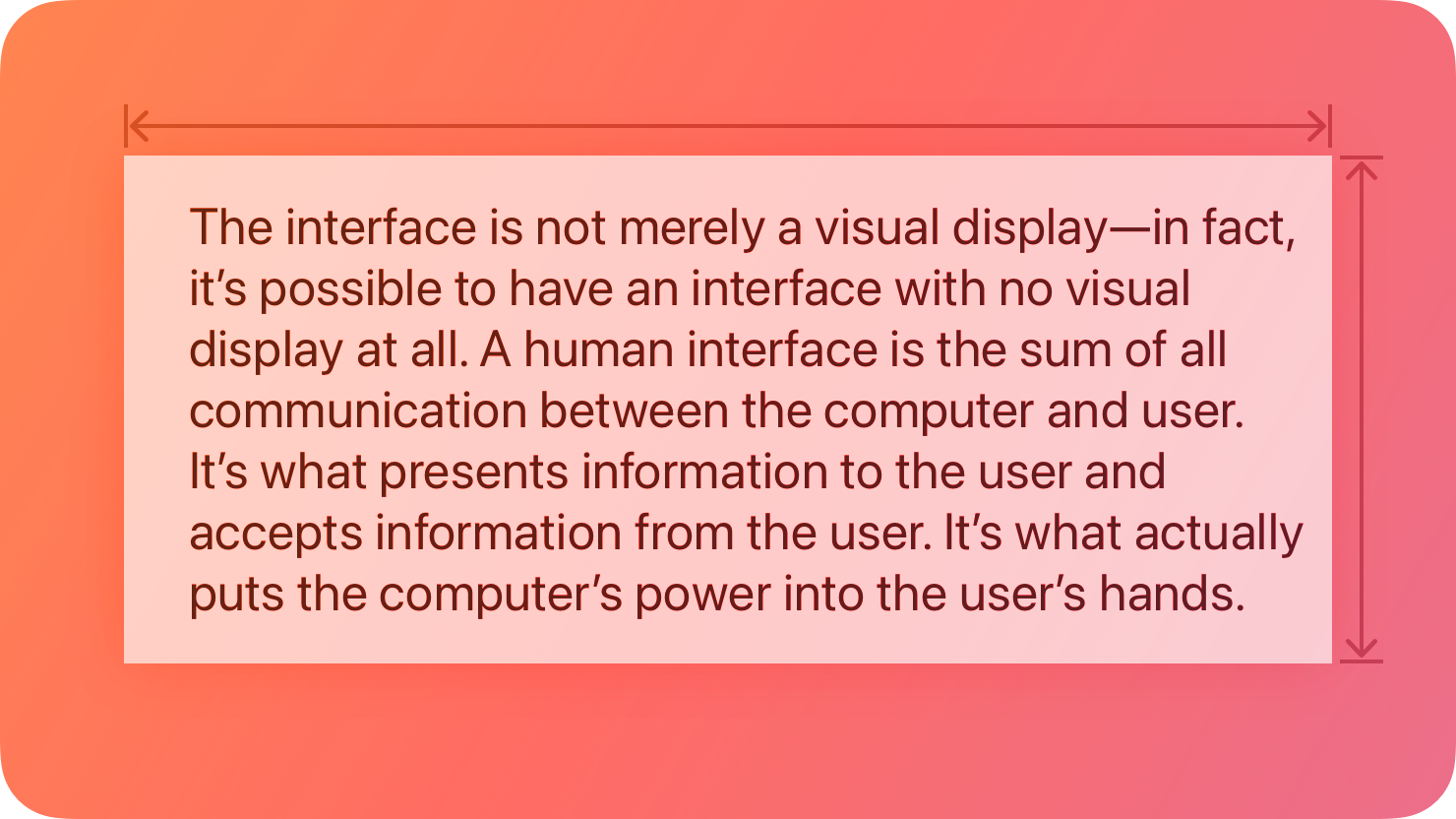
A text view displays multiline, styled text content, which can optionally be editable.
|
||
|
||
|
||
|
||
Text views can be any height and allow scrolling when the content extends outside of the view. By default, content within a text view is aligned to the leading edge and uses the system label color. In iOS, iPadOS, and visionOS, if a text view is editable, a keyboard appears when people select the view.
|
||
|
||
## [Best practices](https://developer.apple.com/design/human-interface-guidelines/text-views#Best-practices)
|
||
|
||
**Use a text view when you need to display text that’s long, editable, or in a special format.** Text views differ from [text fields](https://developer.apple.com/design/human-interface-guidelines/text-fields) and [labels](https://developer.apple.com/design/human-interface-guidelines/labels) in that they provide the most options for displaying specialized text and receiving text input. If you need to display a small amount of text, it’s simpler to use a label or — if the text is editable — a text field.
|
||
|
||
**Keep text legible.** Although you can use multiple fonts, colors, and alignments in creative ways, it’s essential to maintain the readability of your content. It’s a good idea to adopt Dynamic Type so your text still looks good if people change text size on their device. Be sure to test your content with accessibility options turned on, such as bold text. For guidance, see [Accessibility](https://developer.apple.com/design/human-interface-guidelines/accessibility) and [Typography](https://developer.apple.com/design/human-interface-guidelines/typography).
|
||
|
||
**Make useful text selectable.** If a text view contains useful information such as an error message, a serial number, or an IP address, consider letting people select and copy it for pasting elsewhere.
|
||
|
||
## [Platform considerations](https://developer.apple.com/design/human-interface-guidelines/text-views#Platform-considerations)
|
||
|
||
_No additional considerations for macOS, visionOS, or watchOS._
|
||
|
||
### [iOS, iPadOS](https://developer.apple.com/design/human-interface-guidelines/text-views#iOS-iPadOS)
|
||
|
||
**Show the appropriate keyboard type.** Several different keyboard types are available, each designed to facilitate a different type of input. To streamline data entry, the keyboard you display when editing a text view needs to be appropriate for the type of content. For guidance, see [Virtual keyboards](https://developer.apple.com/design/human-interface-guidelines/virtual-keyboards).
|
||
|
||
### [tvOS](https://developer.apple.com/design/human-interface-guidelines/text-views#tvOS)
|
||
|
||
You can display text in tvOS using a text view. Because text input in tvOS is minimal by design, tvOS uses [text fields](https://developer.apple.com/design/human-interface-guidelines/text-fields) for editable text instead.
|
||
|
||
## [Resources](https://developer.apple.com/design/human-interface-guidelines/text-views#Resources)
|
||
|
||
#### [Related](https://developer.apple.com/design/human-interface-guidelines/text-views#Related)
|
||
|
||
[Labels](https://developer.apple.com/design/human-interface-guidelines/labels)
|
||
|
||
[Text fields](https://developer.apple.com/design/human-interface-guidelines/text-fields)
|
||
|
||
[Combo boxes](https://developer.apple.com/design/human-interface-guidelines/combo-boxes)
|
||
|
||
#### [Developer documentation](https://developer.apple.com/design/human-interface-guidelines/text-views#Developer-documentation)
|
||
|
||
[`Text`](https://developer.apple.com/documentation/SwiftUI/Text) — SwiftUI
|
||
|
||
[`UITextView`](https://developer.apple.com/documentation/UIKit/UITextView) — UIKit
|
||
|
||
[`NSTextView`](https://developer.apple.com/documentation/AppKit/NSTextView) — AppKit
|
||
|
||
## [Change log](https://developer.apple.com/design/human-interface-guidelines/text-views#Change-log)
|
||
|
||
Date| Changes
|
||
---|---
|
||
June 5, 2023| Updated guidance to reflect changes in watchOS 10.
|
||
|