
49 lines
3.0 KiB
Markdown
49 lines
3.0 KiB
Markdown
---
|
||
title: "Boxes | Apple Developer Documentation"
|
||
source: https://developer.apple.com/design/human-interface-guidelines/boxes
|
||
|
||
# Boxes
|
||
|
||
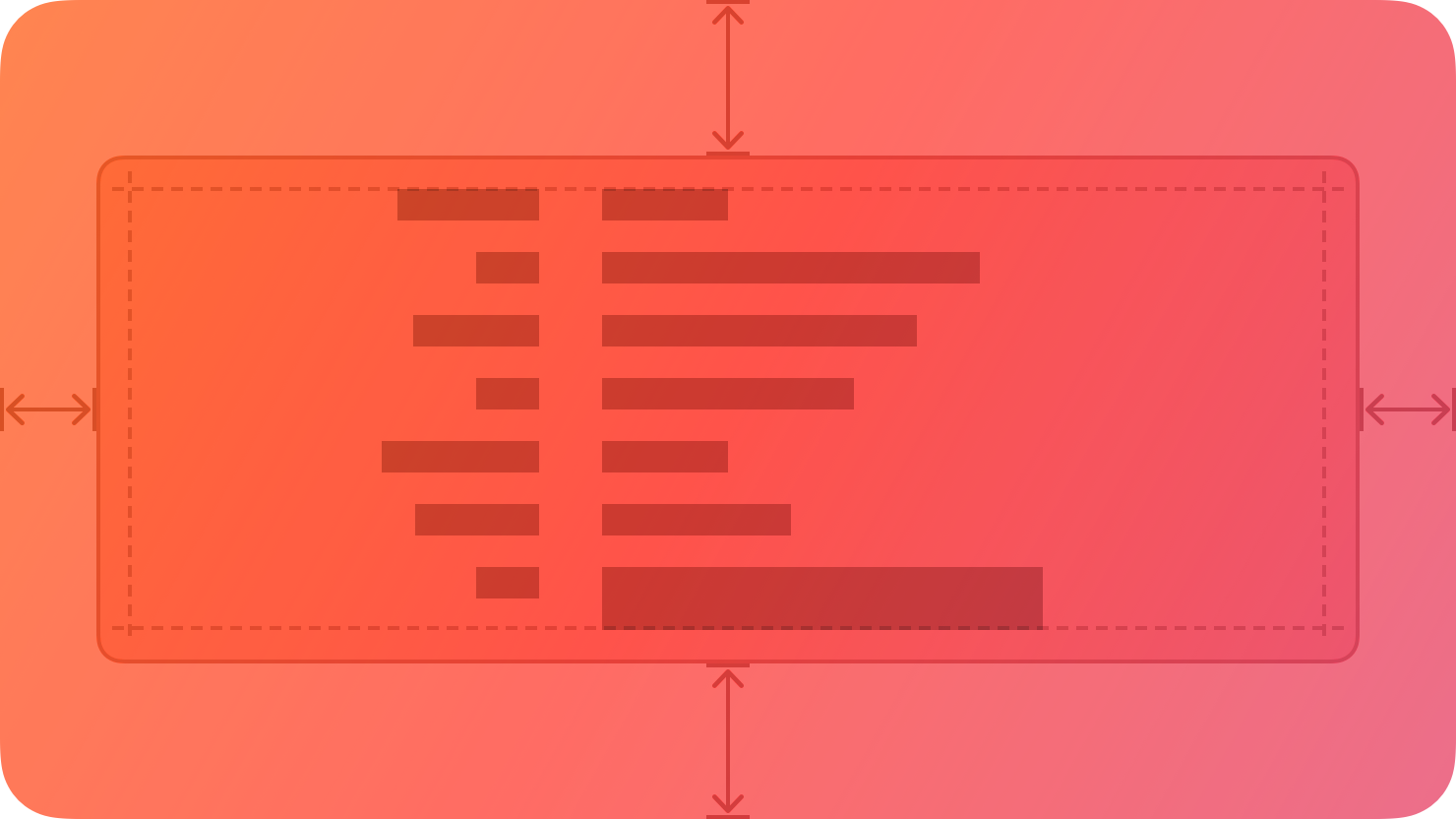
A box creates a visually distinct group of logically related information and components.
|
||
|
||
|
||
|
||
By default, a box uses a visible border or background color to separate its contents from the rest of the interface. A box can also include a title.
|
||
|
||
## [Best practices](https://developer.apple.com/design/human-interface-guidelines/boxes#Best-practices)
|
||
|
||
**Prefer keeping a box relatively small in comparison with its containing view.** As a box’s size gets close to the size of the containing window or screen, it becomes less effective at communicating the separation of grouped content, and it can crowd other content.
|
||
|
||
**Consider using padding and alignment to communicate additional grouping within a box.** A box’s border is a distinct visual element — adding nested boxes to define subgroups can make your interface feel busy and constrained.
|
||
|
||
## [Content](https://developer.apple.com/design/human-interface-guidelines/boxes#Content)
|
||
|
||
**Provide a succinct introductory title if it helps clarify the box’s contents.** The appearance of a box helps people understand that its contents are related, but it might make sense to provide more detail about the relationship. Also, a title can help VoiceOver users predict the content they encounter within the box.
|
||
|
||
**If you need a title, write a brief phrase that describes the contents.** Use sentence-style capitalization. Avoid ending punctuation unless you use a box in a settings pane, where you append a colon to the title.
|
||
|
||
## [Platform considerations](https://developer.apple.com/design/human-interface-guidelines/boxes#Platform-considerations)
|
||
|
||
_No additional considerations for visionOS. Not supported in tvOS or watchOS._
|
||
|
||
### [iOS, iPadOS](https://developer.apple.com/design/human-interface-guidelines/boxes#iOS-iPadOS)
|
||
|
||
By default, iOS and iPadOS use the secondary and tertiary background [colors](https://developer.apple.com/design/human-interface-guidelines/color) in boxes.
|
||
|
||
### [macOS](https://developer.apple.com/design/human-interface-guidelines/boxes#macOS)
|
||
|
||
By default, macOS displays a box’s title above it.
|
||
|
||
## [Resources](https://developer.apple.com/design/human-interface-guidelines/boxes#Resources)
|
||
|
||
#### [Related](https://developer.apple.com/design/human-interface-guidelines/boxes#Related)
|
||
|
||
[Layout](https://developer.apple.com/design/human-interface-guidelines/layout)
|
||
|
||
#### [Developer documentation](https://developer.apple.com/design/human-interface-guidelines/boxes#Developer-documentation)
|
||
|
||
[`GroupBox`](https://developer.apple.com/documentation/SwiftUI/GroupBox) — SwiftUI
|
||
|
||
[`NSBox`](https://developer.apple.com/documentation/AppKit/NSBox) — AppKit
|
||
|